
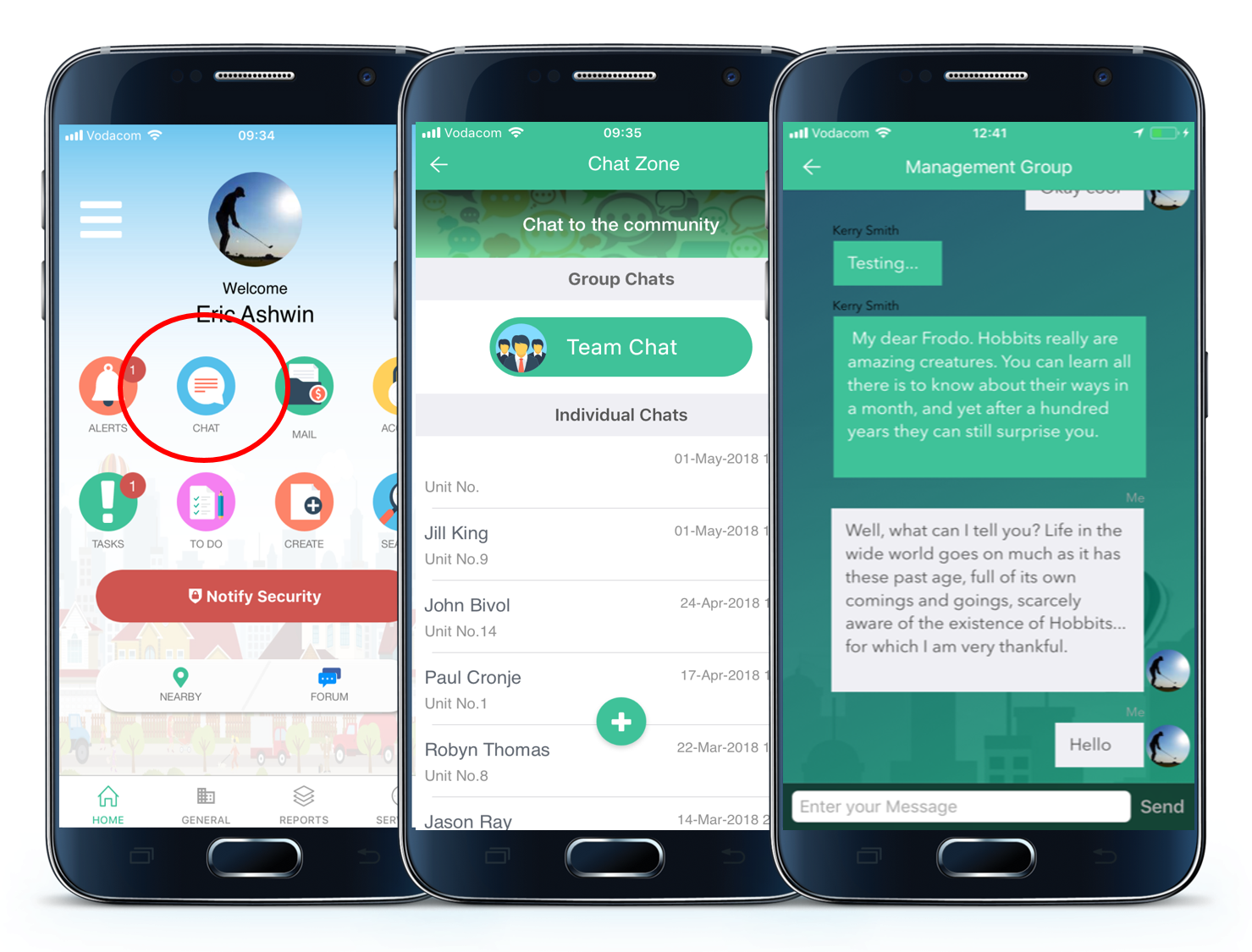
APP: Press the Chat button to the left of your screen. Within this chat, you will find the Team chat button Group. All Body Corporate/management chats, including their attachments, that you were involved in, will show. Click the chat to read it in full.
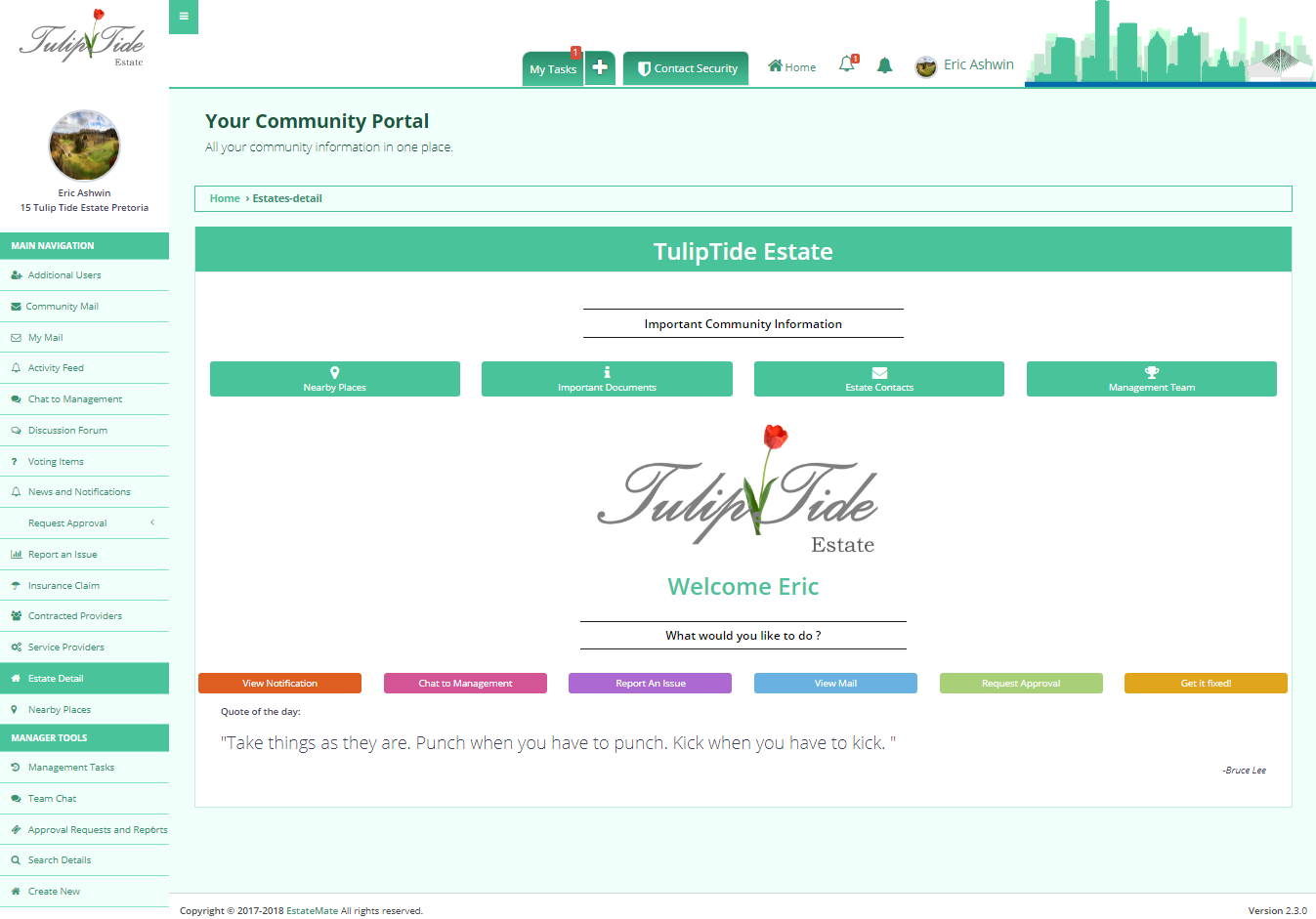
WEB: Click the Team Chat button on the left-hand corner of your screen. All Body Corporate/management chats, including their attachments, that you were involved in, will show. Click the chat to read it in full.
Comments
0 comments
Article is closed for comments.